Processing the simulation
Evaluating the Outputs
This directory contains Python scripts for evaluating the outputs from the simulation. Each simulation generates a single HDF5 file, along with a simulation log file primarily used for debugging and understanding the current state of the code.
HDF5 Output File Structure
The simulation output file contains multiple keys:
/message_recordContains the message record between the switch delimited areas, including message sending and receiving times, message types, and more.
Stored as a Pandas DataFrame.
/meta_dataContains metadata for the sensors in the entire simulation, including the mRID of the elements, the buses to which the elements are connected, bus names, sensor types, and more.
Stored as a Pandas DataFrame.
/a1,/a2, …,/anTemporal sensor measurement data. Includes the sensor mRID, time of measurement, and measurement value.
There can be one or multiple keys depending on the simulation duration, number of sensors, and other configurations.
Stored as Pandas DataFrames.
/configuration_tomlContains the processed input
input_config.tomlfile with additional collected data from other files and the simulation.Stored as a Pickle file.
Scripts
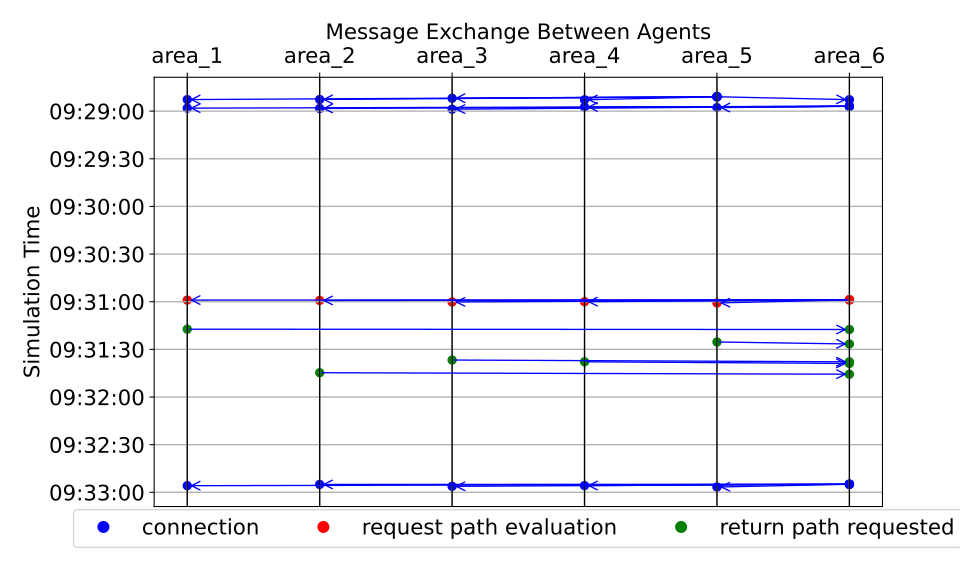
messages_eval.pyGenerates temporal plots for messages.
Example:
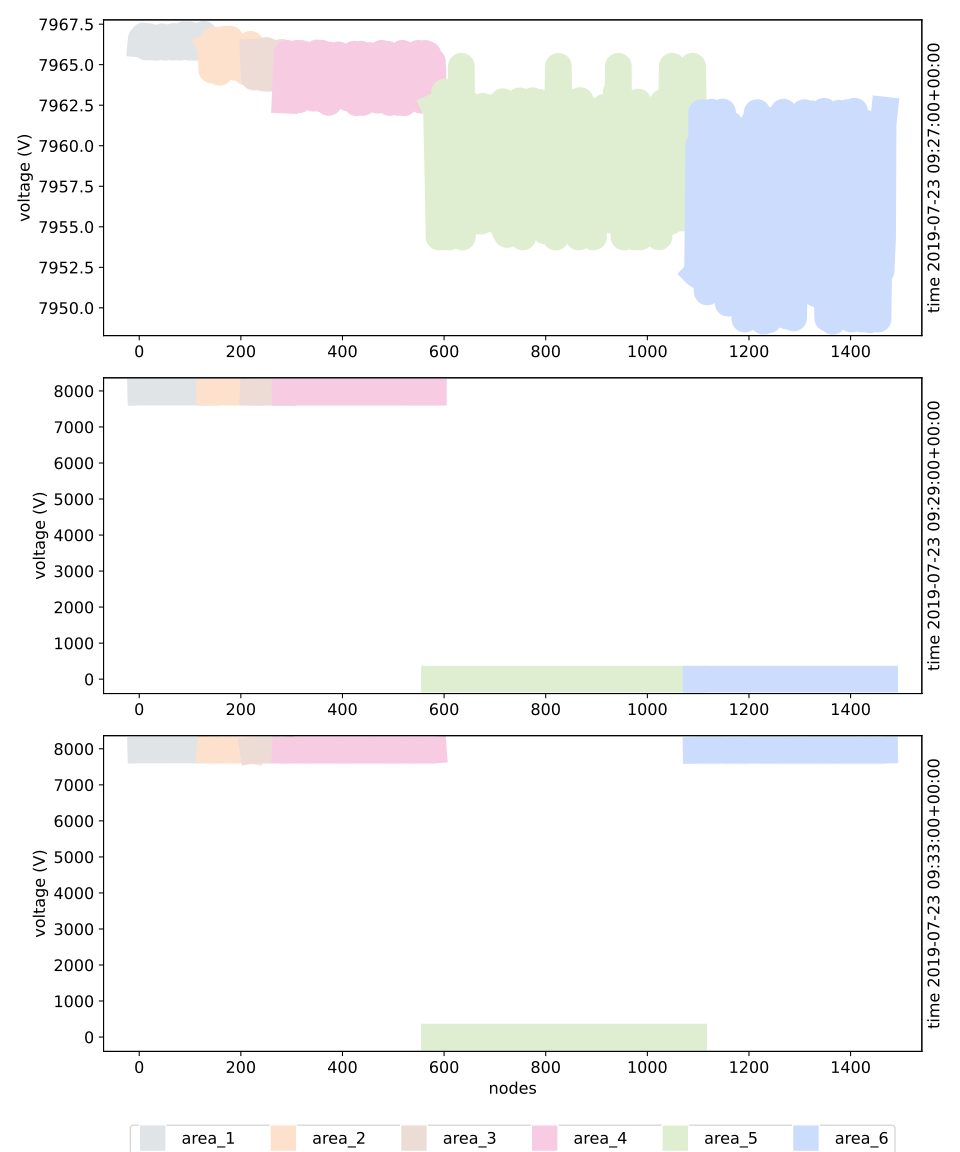
measurement_eval.pyGenerates real-time power system voltage plots for different areas.
Example:
Additional Information
To run the scripts, it’s recommended to use the same environment used for the simulation, managed by Poetry. Poetry ensures that all dependencies are consistent and compatible.